How to enable Biometric Authentication PhysiAssistant
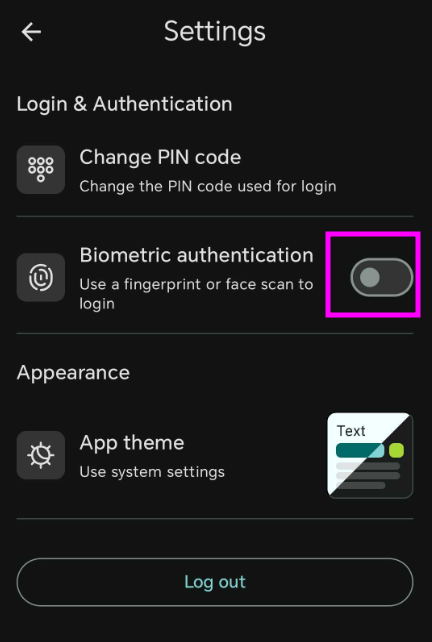
Biometric Authentication will help you provide security to your account and removes the need to constantly use your PIN code to access your account.
How to enable
- Log in to PhysiAssistant with your Physitrack account information.
-
Select the cog wheel in the upper right corner

-
Select Biometric Authentication to enable it, it will prompt you to scan and it will activate